How to Receive BISP Payment Through Benazir Digital Wallet 2026 – Complete Guide


How to Receive BISP Payment
In 2026, BISP beneficiaries across Pakistan can now receive their payments directly through the Benazir Digital Wallet, a secure and modern system designed to make financial assistance faster, safer, and transparent. This guide explains everything you need to know about activating your wallet, checking payment status, and withdrawing or using funds efficiently. Following official references ensures that you stay informed and avoid delays.
Also Read ; State Bank of Pakistan Finalized New Currency Designs
| Feature | Details |
|---|---|
| Program | Benazir Income Support Programme (BISP) |
| Payment Method | Benazir Digital Wallet |
| Beneficiaries | Verified BISP or Benazir Kafalat recipients |
| Verification | CNIC and biometric verification |
| Wallet Options | JazzCash, EasyPaisa, Bank Wallets |
| Payment Frequency | Quarterly |
| Amount 2026 | Rs. 13,500 – Rs. 14,500 |
| Helpline | 8171 SMS Service |
What Is the Benazir Digital Wallet System
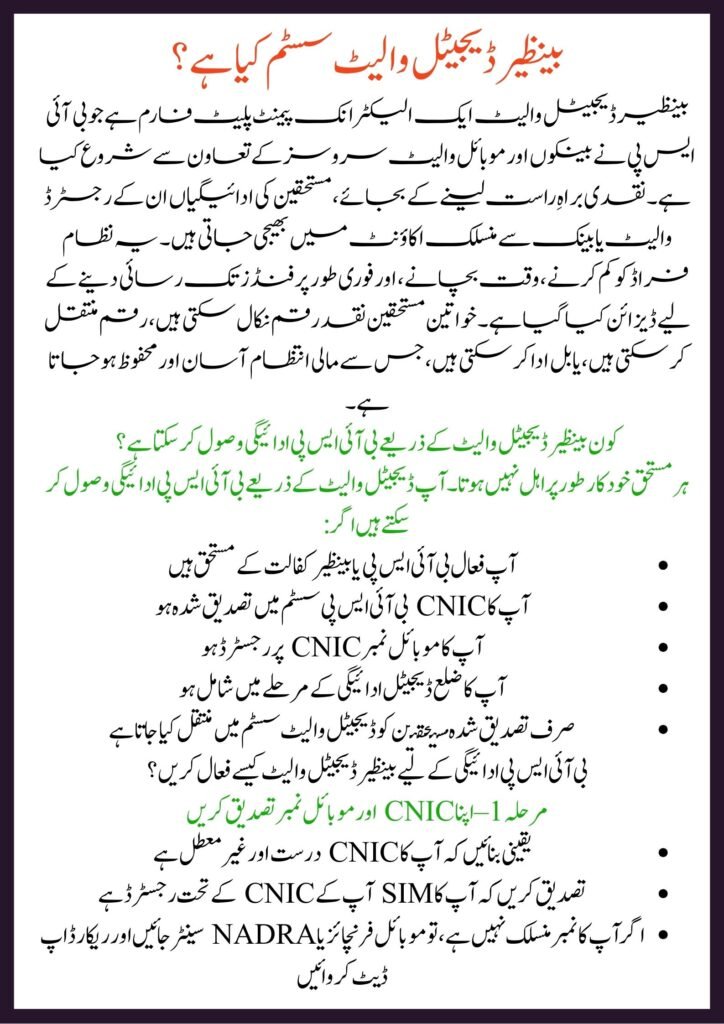
The Benazir Digital Wallet is an electronic payment platform launched by BISP in collaboration with banks and mobile wallet services. Instead of collecting cash in person, beneficiaries receive payments directly into their registered wallet or bank-linked account. The system is designed to reduce fraud, save time, and offer instant access to funds. Women beneficiaries can withdraw cash, transfer money, or pay bills directly, making financial management simpler and safer.
Who Can Receive BISP Payment Through Digital Wallet
Not every beneficiary is automatically eligible. You can receive your BISP payment via the digital wallet if:
- You are an active BISP or Benazir Kafalat beneficiary
- Your CNIC is verified in the BISP system
- Your mobile number is registered on your CNIC
- Your district is part of the digital payment phase
- Only verified beneficiaries are shifted to the digital wallet system
How to Activate Benazir Digital Wallet for BISP Payment
Step 1 – Verify Your CNIC and Mobile Number
- Ensure your CNIC is valid and not expired
- Confirm your SIM is registered under your CNIC
- If your number is not linked, visit your mobile franchise or NADRA center to update it
Step 2 – BISP Registration and Biometric Verification
- Visit the nearest BISP Tehsil Office
- Complete biometric verification
- Confirm your mobile number
- Request wallet account activation
Step 3 – Receive Confirmation Message How to Receive BISP Payment Through Benazir Digital Wallet 2026
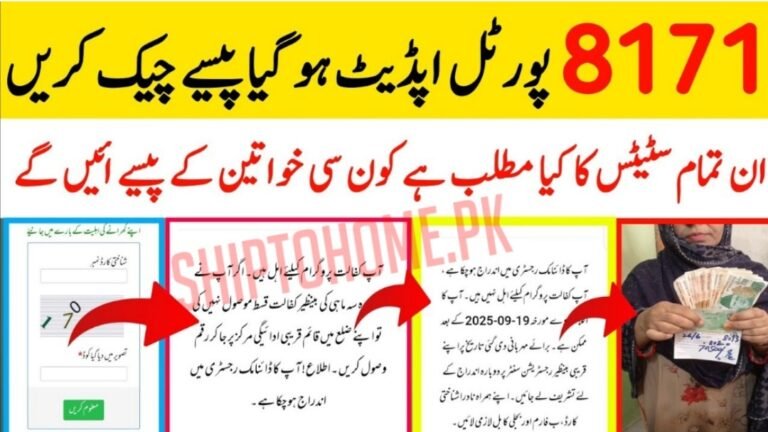
After activation, you will receive an SMS from 8171 or the partner bank confirming that your wallet is ready to receive payments.
How to Receive BISP Payment Through Benazir Digital Wallet – Step by Step
- Check Payment Status
- Send your CNIC to 8171 via SMS
- Or visit the official BISP portal
- “Payment Released” indicates your funds are in your wallet
- Open Your Wallet App or USSD Code
- Use JazzCash, EasyPaisa, or the bank wallet app
- Dial the USSD code if required
- Check your balance for the credited amount
- Withdraw Cash or Use Digitally
- Withdraw from ATMs or authorized agents
- Transfer to another bank account
- Pay utility bills or recharge mobile
- Keep your funds safe in the wallet
No agent is allowed to deduct fees from your BISP payment.
Payment Amounts in 2026
- Benazir Kafalat: Rs. 13,500 per quarter
- Special categories may receive Rs. 14,500
- Full amount is transferred directly without any deductions
Benefits of Benazir Digital Wallet System
- No long queues at payment camps
- Eliminates illegal deductions by agents
- Instant SMS notifications for every payment
- Safe and secure money transfer
- Easy access to withdraw or use funds
- Transparent payment tracking
- Helps women manage payments independently
Common Problems and Their Solutions
Payment Not Received in Wallet
- Check your CNIC status through 8171
- Confirm wallet activation
- Visit the nearest BISP office to register a complaint
Biometric Verification Failed
- Update fingerprints at NADRA
- Retry verification at BISP center
- Use the grievance desk for manual verification
Wrong Mobile Number Linked
- Visit your mobile franchise to update your SIM
- Inform BISP to update their records
Helpline & Contact
- BISP SMS Service: Send CNIC to 8171
- Official BISP Website: https://www.bisp.gov.pk
- Customer Care: Visit your nearest BISP Tehsil Office
- Grievance Desk: Available at BISP registration centers
Conclusion
The Benazir Digital Wallet system marks a major advancement in welfare payments in Pakistan. Eligible beneficiaries now receive their BISP payments securely, quickly, and transparently. Make sure to activate your wallet, verify your CNIC and mobile number, and follow the steps above to enjoy hassle-free financial assistance in 2026.
FAQ
1. How do I activate my Benazir Digital Wallet?
You need to verify your CNIC, link your mobile number, complete biometric verification at a BISP center, and receive SMS confirmation.
2. Can I withdraw BISP funds from any ATM?
Yes, you can withdraw cash from authorized ATMs or agents depending on your wallet provider.
3. What should I do if my payment is delayed?
Check CNIC status via 8171, confirm wallet activation, and visit the nearest BISP office to lodge a complaint.
4. Is there any fee for using the digital wallet?
No, agents are not allowed to deduct any amount. All funds are credited fully to your wallet.
Latest Updates
 Current News: CM Punjab Bewa Sahara Card Registration Open Februry 2026
 Today Suddenly Govt Release BISP Kafalat Program Payment Schedule October 2026
 Current News: Punjab Green Tractor Scheme 2026 – Registration Form, Subsidy & Last Date
 Current Update: Railway Ticket Booking Online & Green Line Prices
 Current News: Punjab Agriculture Subsidy Scheme 2026 – 60% Machinery Support to Modernize Farming
 WAPDA Policy 2026: Can One House Have More Than One Electricity Meter? Latest Update